Last updated: Sep 25, 2026.
The fear of switching keeps people on tools they've outgrown for years. The worry is real — lose your queue, break your rhythm, drop the ball during the move. But with a simple sequence, switching is low-risk and quick. Here's the calm way to do it.
Why people stay stuck
Inertia is expensive. Founders tolerate a bad tool because migrating feels like it'll cost a lost week and a broken posting streak. In practice, a planned switch takes an afternoon and zero downtime — if you overlap the old and new tools briefly.
The safe migration sequence
- Export what you can — your content, ideas, and any evergreen posts.
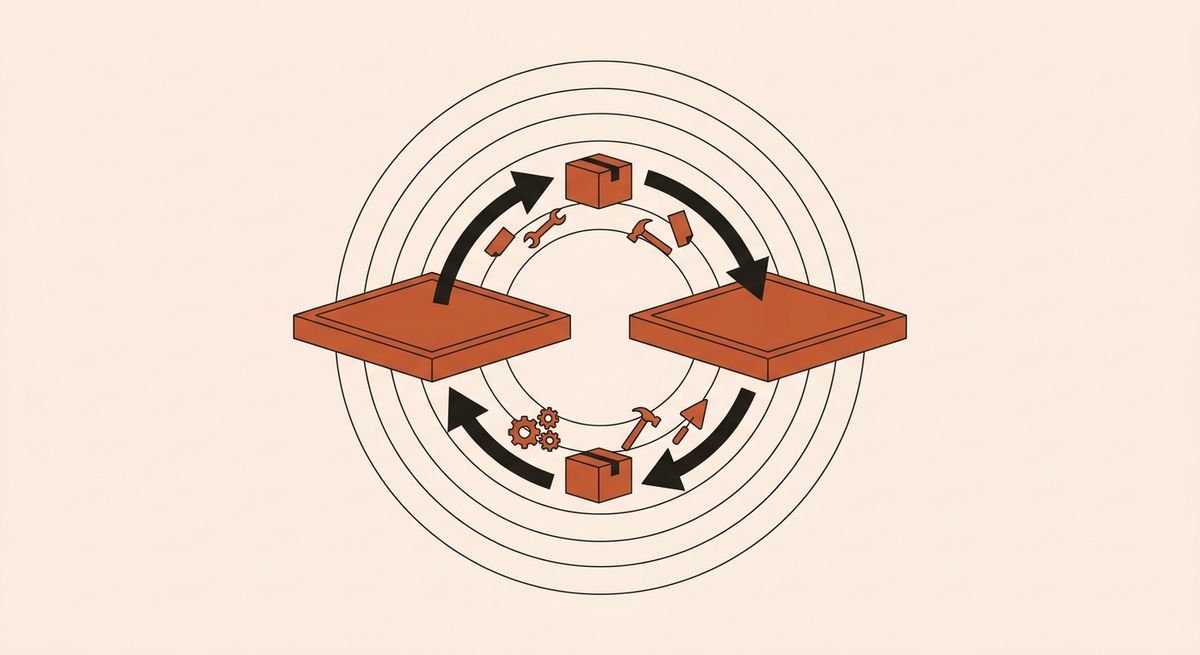
- Set up the new tool in parallel — connect accounts, don't cancel the old one yet.
- Rebuild a week's queue in the new tool before switching over.
- Run both for a few days to confirm posts publish correctly.
- Then cancel the old tool — once you've seen the new one work live.
Overlap is the whole trick. Never cut the old tool before the new one has published successfully.
Don't burn the boat before the new one floats. Overlap for a week and switching becomes boring — which is exactly what you want.
Protect your posting rhythm
The one thing not to lose is consistency. Keep publishing throughout the move by having next week's posts queued in the new tool before you flip the switch — smart scheduling makes rebuilding a queue fast.
Choose the destination well
Switch once, to the right thing. Compare options on the best tools guide so you're not migrating again in six months.
Overlap, verify, then cut over. Do it in that order and switching costs you an afternoon, not a week.
Put this on autopilot.
Orymus plans, writes and posts — you just approve.
Keep reading
 Productivity
What Social Media Management Really Costs in 2026
What social media management actually costs in 2026 — tools, agencies, freelancers, and the hidden cost of doing it all yourself.
 Productivity
How to Choose a Social Media Scheduler (a 6-Point Checklist)
A simple 6-point checklist for choosing a social media scheduler — the questions that actually predict whether you'll still use it in three months.